InVideo
AI video generator creating content from prompts with editing voiceovers and templates
Category:
Content CreationPricing:
Freemium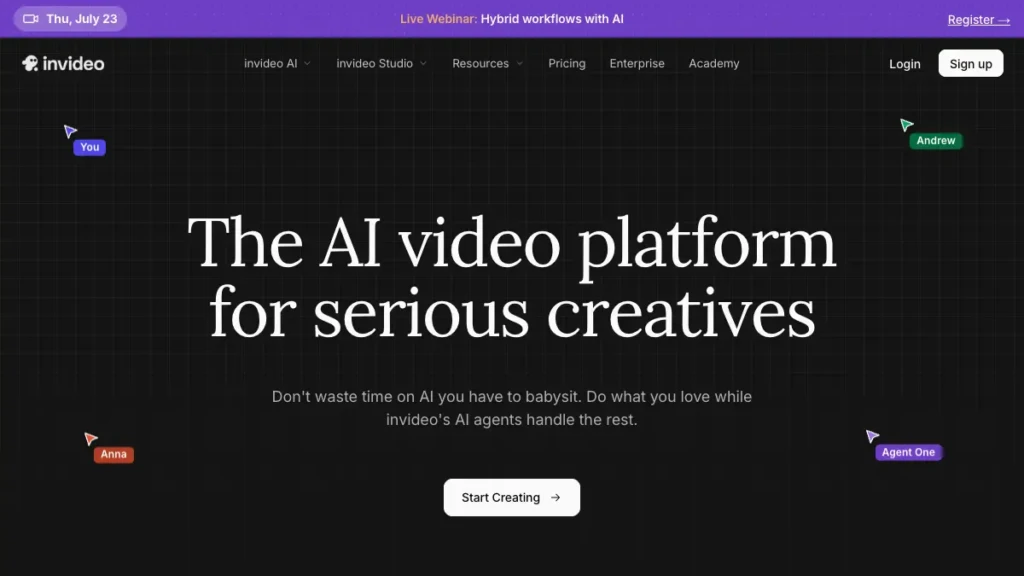
InVideo - AI video creation from text prompts with templates and voiceovers
The best AI tool for Content Creation and the best AI Video Generation, InVideo transforms plain text prompts into polished videos using templates, stock libraries, editing tools, and AI voiceovers. Its goal is simple: help marketers, educators, and creators produce on-brand videos faster, reduce production costs, and scale content across every channel.
The platform provides an end-to-end workflow — from script to storyboard to final export — so teams can move seamlessly from idea to finished video without switching tools. InVideo is browser-based, requiring no special hardware, with cloud rendering handling the heavy lifting.
Getting started is easy. Enter a prompt, choose a style, and customize scenes with drag-and-drop controls. Most users need minimal training, while tutorials, guides, and sample projects accelerate onboarding for both beginners and advanced users. Data inputs include prompts, uploaded media, brand fonts, and template selections, which are saved in workspaces for reuse.
Security is a priority, with encrypted connections, role-based access, and project-level permissions ensuring protection of assets. Scalability comes from reusable templates, brand kits, bulk generation, and team collaboration, allowing distributed teams to produce content at high volume.
Future-proofing is built in through ongoing AI model updates, expanding stock integrations, and export options for social, ads, and educational use cases. For those seeking the best AI tool for Content Creation or the best AI Video Generation platform, InVideo offers a free tier to start, with paid plans unlocking higher-quality exports, advanced team features, and watermark removal.
"Possibly the best tool for video making"
- Ankush C, Capterra review
"The best for social media"
- Gayane Y, Capterra review
 Key Features:
 Key Features:
- AI text to video: Turn prompts into scenes scripts and animations
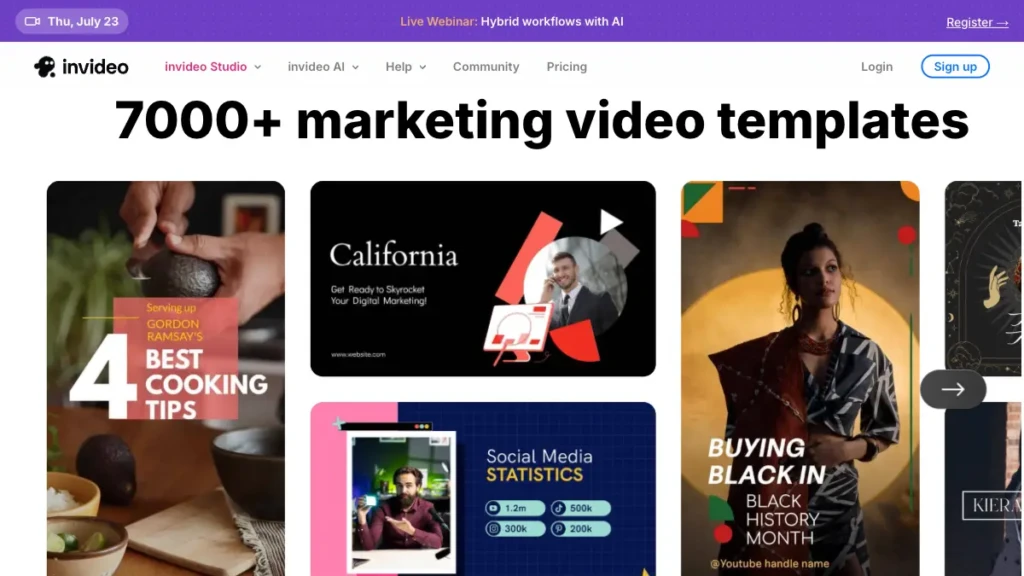
- Templates library: Thousands of styles for ads tutorials social and product explainers
- Voiceovers and audio: Auto narration with adjustable pacing plus stock music
- Stock media: Built in images clips and graphics for faster production
- Team collaboration: Shared workspaces comments and review links
 Why Use InVideo?
 Why Use InVideo?
- Create faster: Generate draft videos in minutes from a short brief
- Improve engagement: On brand visuals and narration lift watch time and CTR
- Save costs: Reduce reliance on complex editing suites and freelancers
- Scale reliably: Reuse templates and brand kits for every campaign
- Start free: Test the free tool tier then upgrade to remove watermark
 FAQ
FAQ
 FAQ
FAQWhat is InVideo
InVideo is an AI video generator that converts text prompts into ready to publish videos
What makes InVideo different from competitor Canva
InVideo focuses on AI text to video narration and stock rich timelines while Canva centers on design first workflows
Is InVideo free or paid
InVideo is freemium with a free plan and paid tiers that remove watermark and expand limits
Is InVideo offering integrations
Yes - stock media partners social export options and team collaboration tools are available
How is InVideo handling privacy
InVideo uses encrypted connections account level permissions and secure cloud rendering to safeguard data
Level up your Content Creation workflows
Explore InVideo
Official website